Configurable VPS products
Map plan, location, operating system, CPU, memory, disk, bandwidth, IP, or module-specific choices according to the connected provider.
Sell VPS and VDS products with billing, configurable resources, automated provisioning, service lifecycle actions, and a customer control experience connected to your virtualization stack.
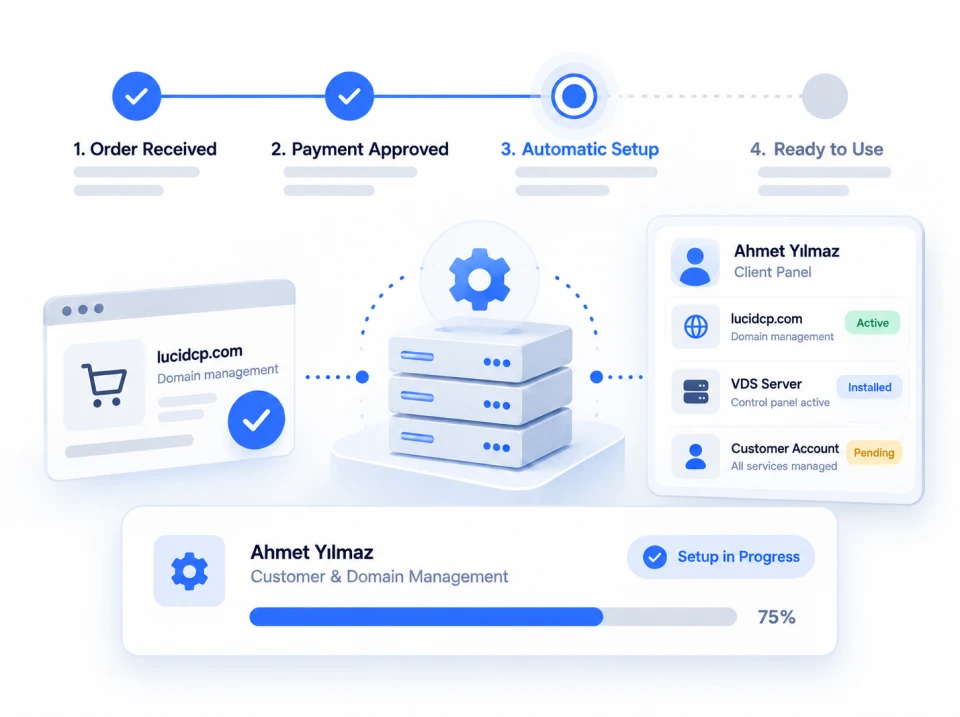
A VPS automation platform should carry validated product choices into the provider API, preserve the relationship between invoice and server, and expose only the actions the connected module safely supports.
Map plan, location, operating system, CPU, memory, disk, bandwidth, IP, or module-specific choices according to the connected provider.
Send an approved order to supported virtualization or reseller APIs and retain the resulting identifiers and access details with the customer service.
Supported modules can expose create, suspend, unsuspend, terminate, password, power, reinstall, console, graph, or package-change actions. Exact coverage varies.
Show service status, credentials, usage information, graphs, networking, and permitted controls in the customer area where the module provides them.
Track provisioning attempts and provider tasks so staff can investigate an API error without separating it from the affected order and customer.
Use scoped credentials where providers support them, limit customer actions to their own service, and test destructive operations before enabling live automation.
The exact fields and controls come from the selected module. Configure against its integration page and documentation rather than assuming every virtualization API behaves the same way.
Add the API endpoint and a suitably scoped credential, run the connection test, and verify network access, certificates, nodes, templates, or plans.
Select the module and map plan, node or group, storage, template, network, IP allocation, and allowed customer options.
Use a non-production customer and verify that selected CPU, RAM, disk, operating system, location, and other options reach the provider correctly.
Confirm status, credentials, email, service page, graphs, console, power, reinstall, rDNS, or other supported actions for that module.
Rehearse renewal, failed provisioning, retry, suspension, reactivation, package change, cancellation, termination, and resource cleanup before launch.
Proxmox VE, Virtualizor, SolusVM, DiyoVM, VMware, and cloud providers expose different concepts and permissions. Verify the exact module before publishing the package.
Open a module to see its real protocol, plan availability, provisioning inputs, lifecycle commands, and customer-panel features.
The current directory includes Proxmox VE, Virtualizor, SolusVM 1, DiyoVM, VMware vSphere through an add-on, and additional cloud or infrastructure providers. The exact package and feature coverage is shown on each integration page.
Yes, where the selected module implements customer-side controls. Depending on the integration, this may include status, start, stop, reboot, usage graphs, console, reinstall, networking, rDNS, snapshots, or package changes.
No. Provider APIs and the LucidCP implementations differ. Never market a control until it is listed and tested for the exact integration you configured.
Supported server modules receive the product configuration and can map choices such as RAM, CPU, disk, operating system, location, or bandwidth. Available fields depend on the module and your product setup.
Use disposable non-production resources. Verify the provider object is removed or cancelled as documented, related IP allocations are released where applicable, local status is updated, and a failed remote action is visible to staff rather than silently treated as complete.
Hi! Need help with plans, installation, or licensing?
Help Center Open a Support Ticket Integrations



